

 Română
 English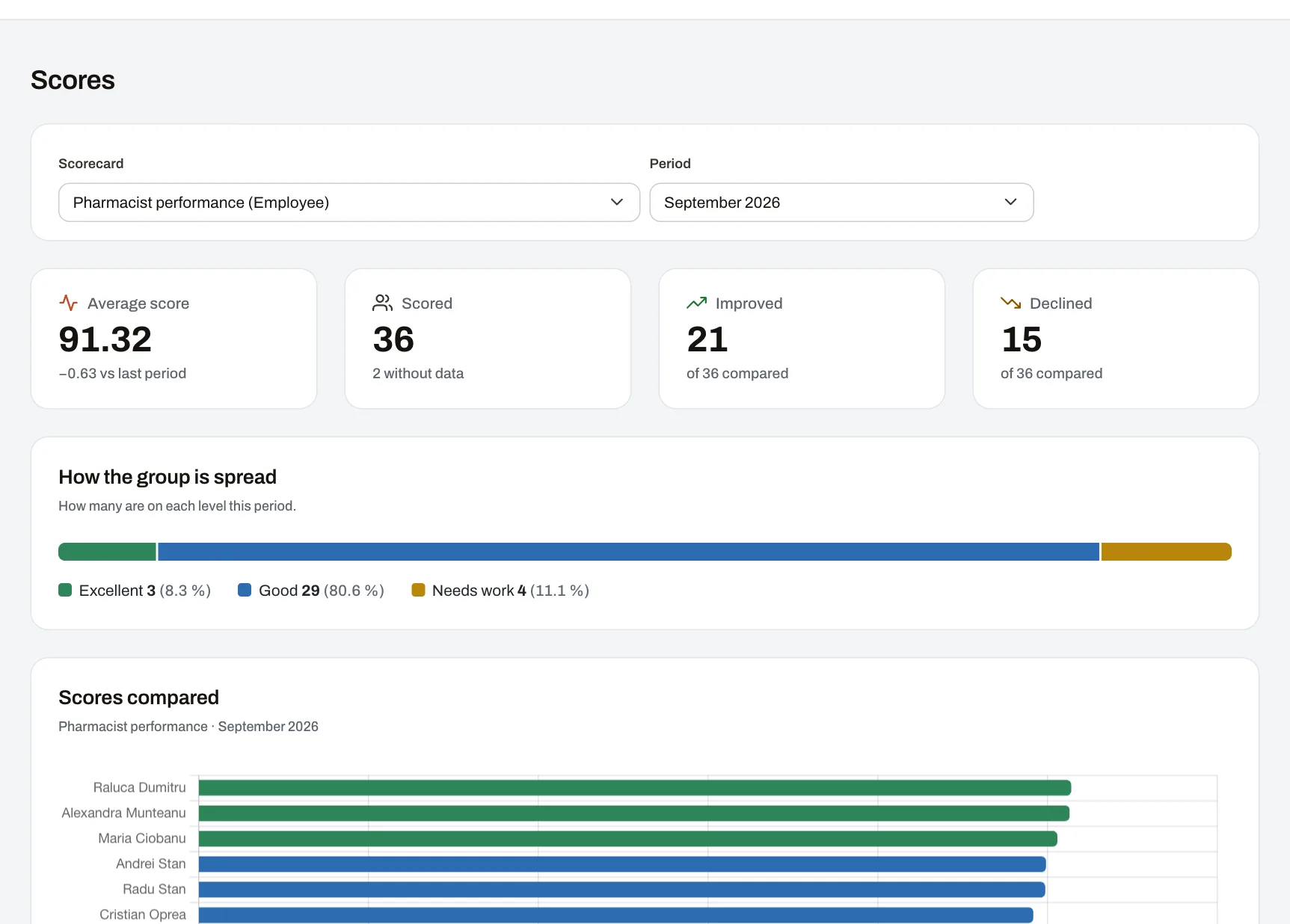
Hosted in the EU
The application and its data run on servers in the European Union; backups are encrypted and kept in another location.
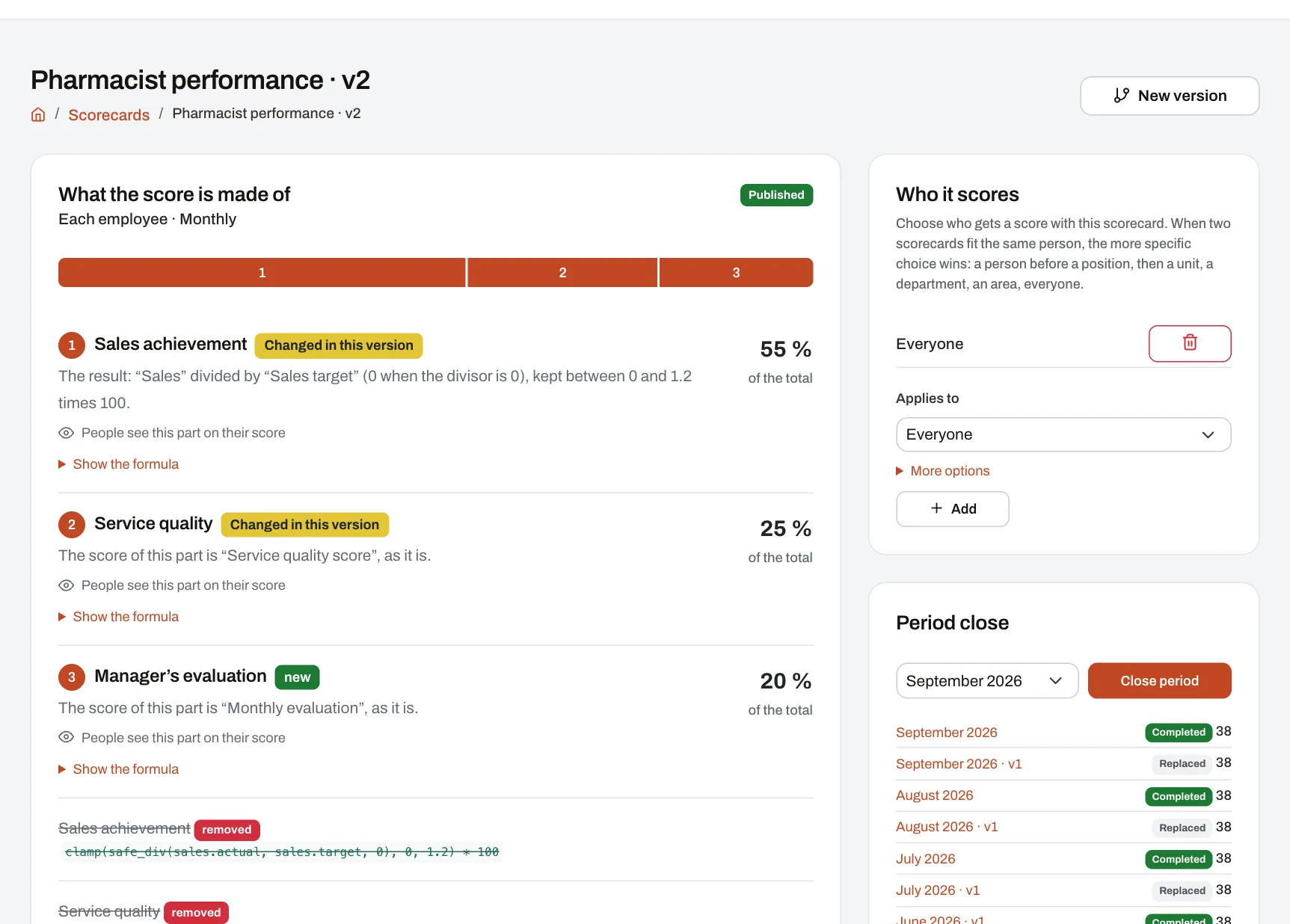
Harmoniq is an HR app for employee records, leave, training, internal communication and KPI-based performance evaluation. You choose what matters in an evaluation; every employee sees their results, performance level and how their score was calculated.
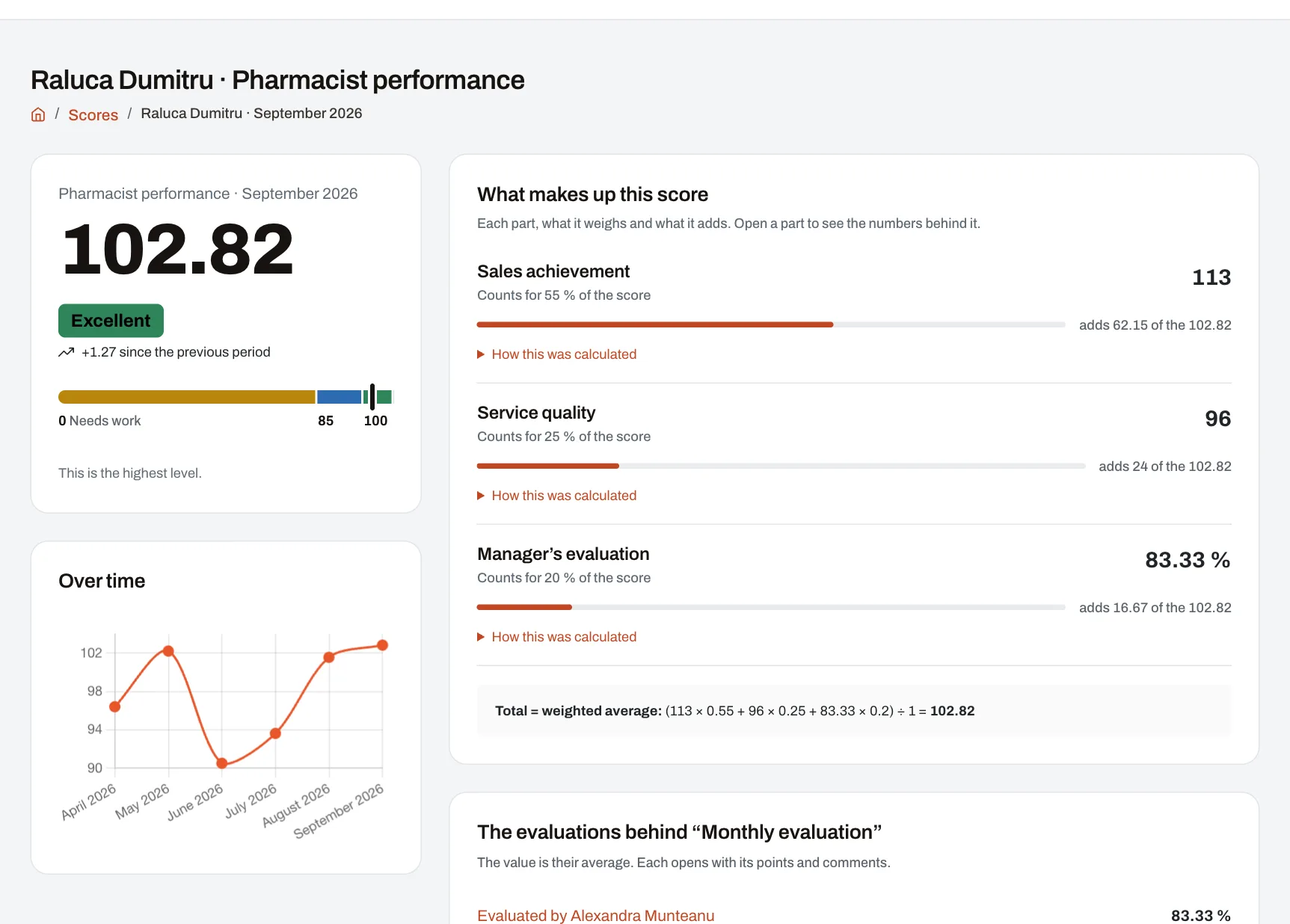
Score: 107.9. Sales achievement (113) has a weight of 70 %, and service quality (96) has a weight of 30 %. Level: Excellent.
Adjust the weight or select the missing-data option. The score and explanation update immediately, using the same rules as the app.
Employees can see their performance level, each indicator’s contribution to the score and how their results have changed over time.
Screenshot from the demo company. Sales are measured as a percentage of target, so the score can exceed 100.
Choose your indicators and their weights without writing formulas. Import data from files, your own systems or other Harmoniq modules. Employees can see their results, performance level and how each score was calculated.
How Raluca’s score is calculated
70 % of sales achievement + 30 % of service quality = 107.9
sales_achievement * 0.7 + service_quality * 0.3
A sales result of 113 means the target was exceeded by 13 %. This is why the overall score can exceed 100.
For chains that rent their frames, stands, windows and shelves to partners: every campaign reaches the right locations, goes up on time, is confirmed with photos and comes down when it ends.
Two modules sold separately, priced by active locations. Included during the free trial.
Each location's display zones, on its sketch, and partners' campaigns from launch to take-down.
€29 a month
includes 10 locations, then €2 for each location above them
About In-store spaces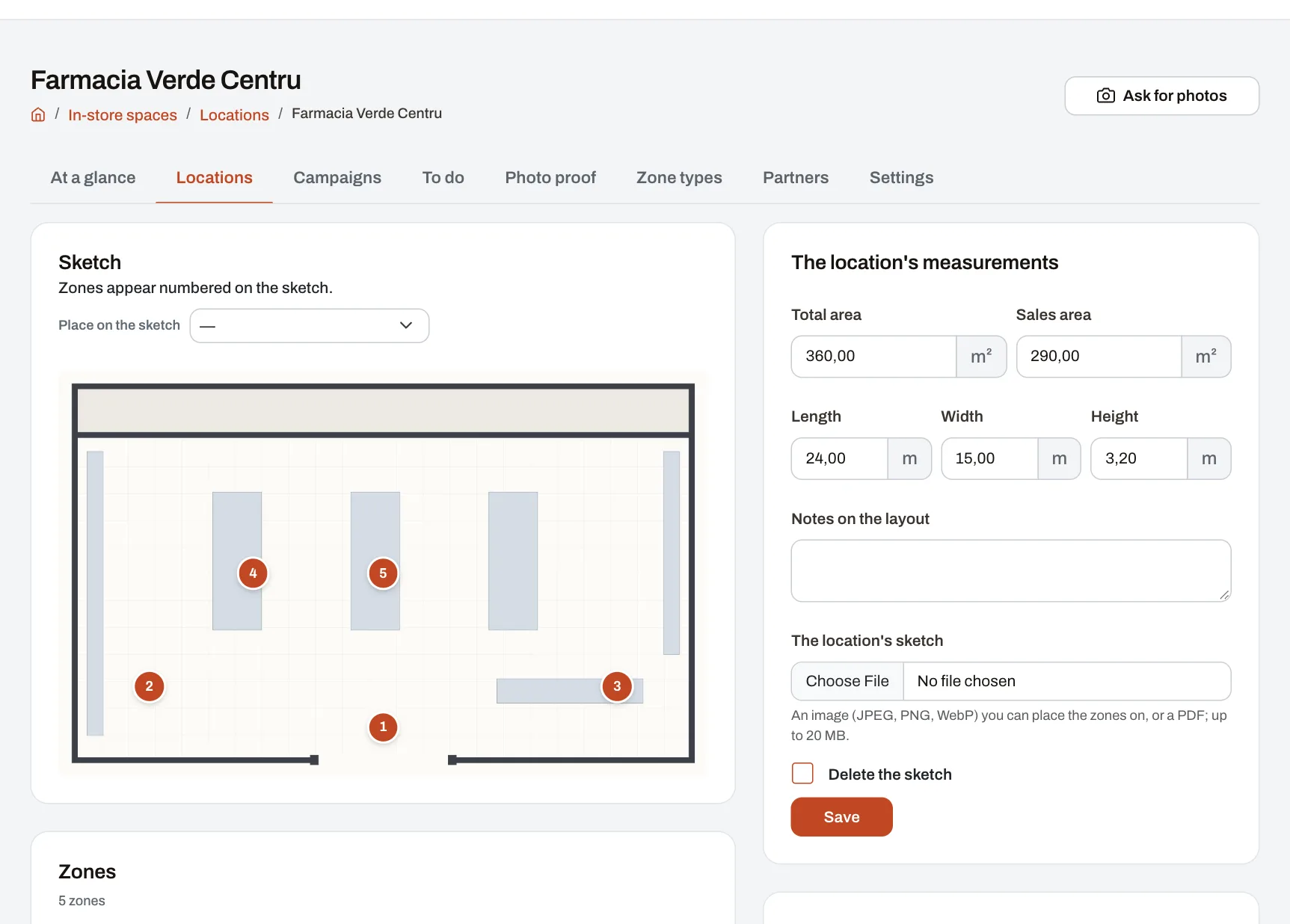
Planograms in every location, how full each shelf is and what the space sold to producers brings in.
€49 a month
includes 10 locations, then €4 for each location above them
About Shelf space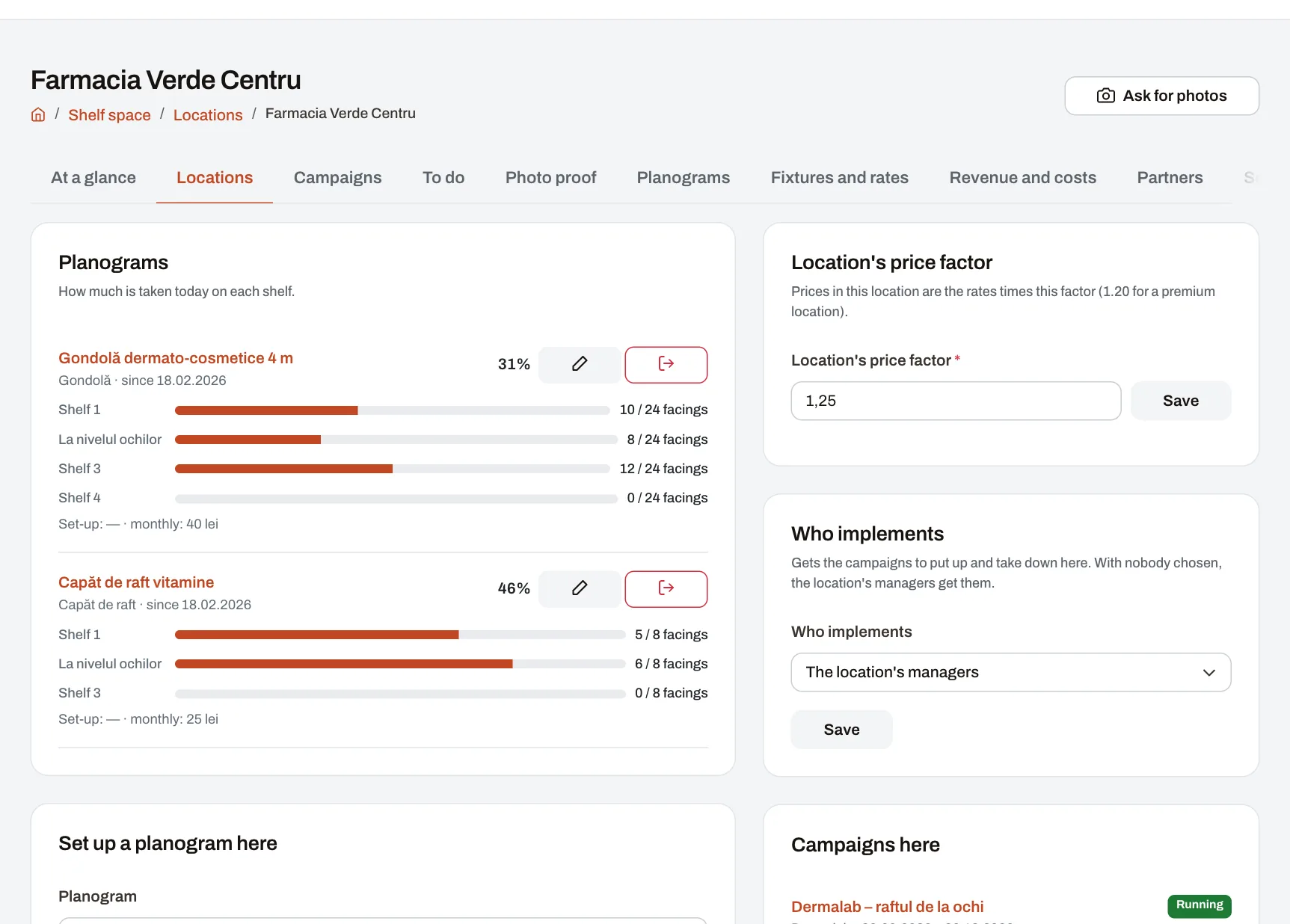
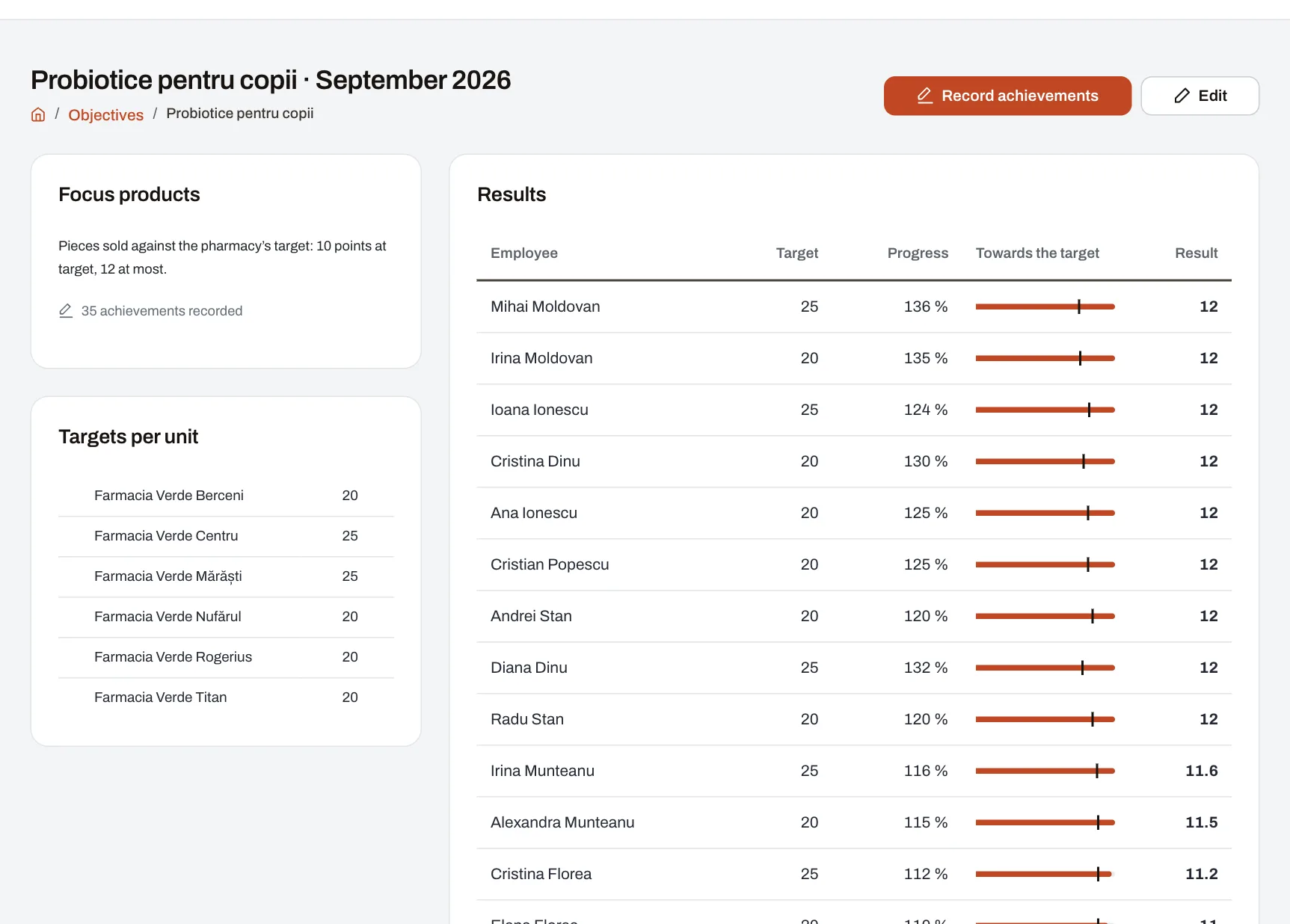
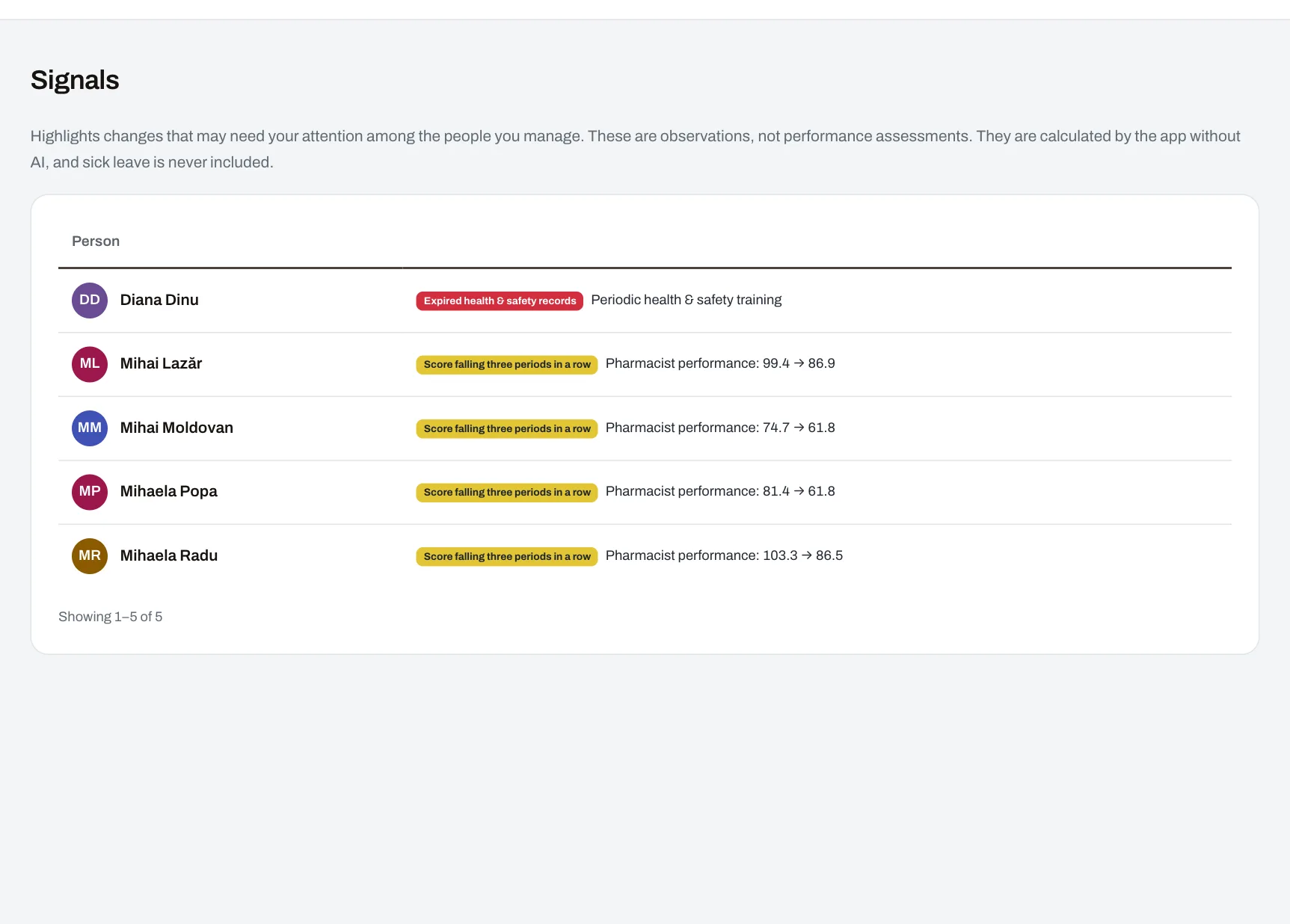
Follow a manager’s work in the demo company: team results, unit objectives and issues that need attention.
See what each feature does and which plans include it.
Choose your company’s address and confirm your email to create the account.
Define your units and positions, then add employees manually or import them from Excel.
Set your performance and leave rules. Prepare the internal communication, courses and documents your team needs.
Employees receive accounts and access to company news. Managers see their teams, while HR can manage the entire workforce.
HR software holds important personal information. Protecting it is a priority in Harmoniq.
The application and its data run on servers in the European Union; backups are encrypted and kept in another location.
HTTPS-only connections; national ID numbers and sensitive keys are encrypted in the database; passwords are never stored, only their hash.
Every query is limited to your company, and automated tests check it for every page.
A code from an authenticator app, which the company can make mandatory for everyone.
Every plan includes a number of people; extra seats are priced up front.
No card and no end date.
€490 billed once a year.
Billed monthly.
€1,490 billed once a year.
Billed monthly.
€3,990 billed once a year.
Billed monthly.
We set up a trial company with your locations, roles and indicators, with invented people, and a proposal priced for your team.
Examples from five industries: how performance is measured, what each role can access and how issues are followed up.
Farmacia Verde: measuring performance across ten pharmacies
First question: How do you score a pharmacist fairly across ten pharmacies?
92.3GoodPharmacist performance
Casa Nova: evaluating agents beyond sales results
First question: How do you score an agent fairly, beyond the month’s commission?
91.3GoodAgent performance
Aurora Hotels: nine hotels, four countries, the same standards
First question: How do you score a receptionist fairly in four countries?
92.9GoodHotel team performance
Brava Home: tracking results across nine stores in four countries
First question: How do you score a sales associate fairly in four countries?
92.1GoodStore performance
Covrigăria Spicul: ten pretzel shops, ovens on at 5 a.m.
First question: How do you score the teams of ten shops by the same rules?
92.5GoodShop team performance
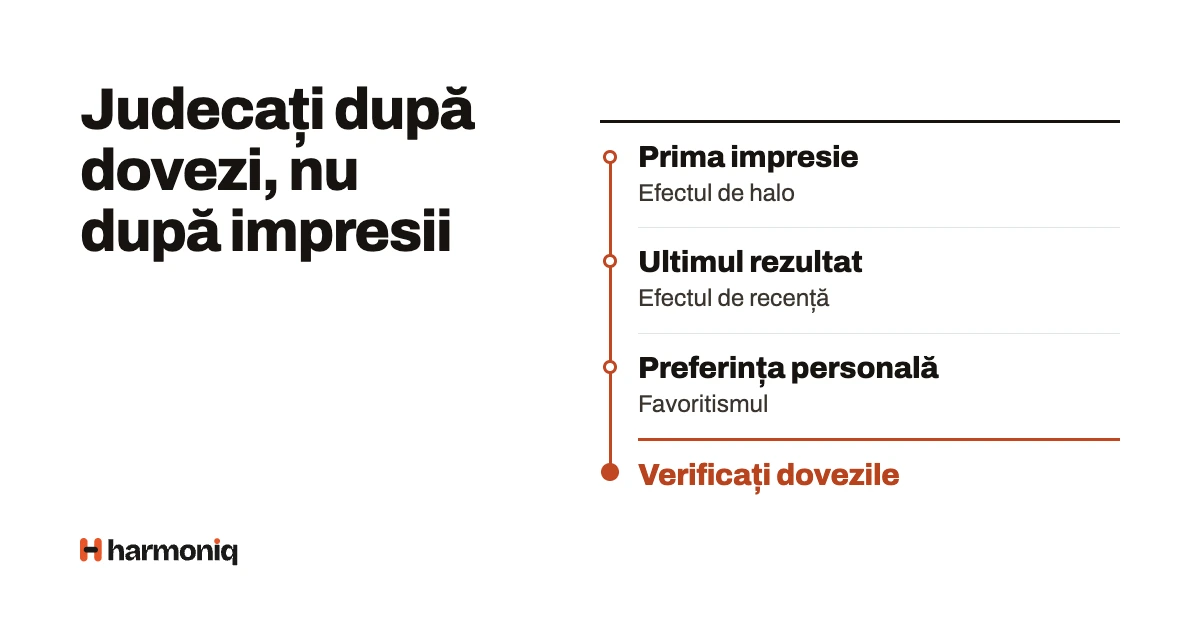
The assessor’s errors — halo, recency, leniency, severity, central tendency, contrast, favouritism —, how to recognise them in ratings and the countermeasures that work.
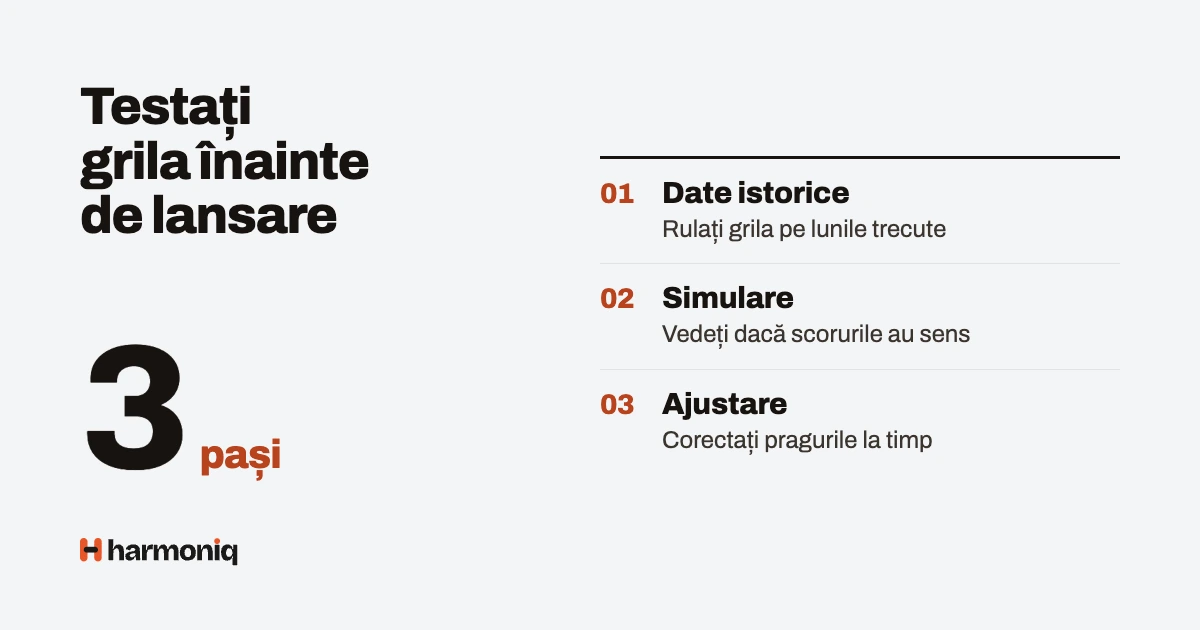
Test the KPI scorecard on 3–6 past months: the spread across levels, sensitivity to weights, each indicator’s effective weight and launch criteria. With a worked example and an Exc...
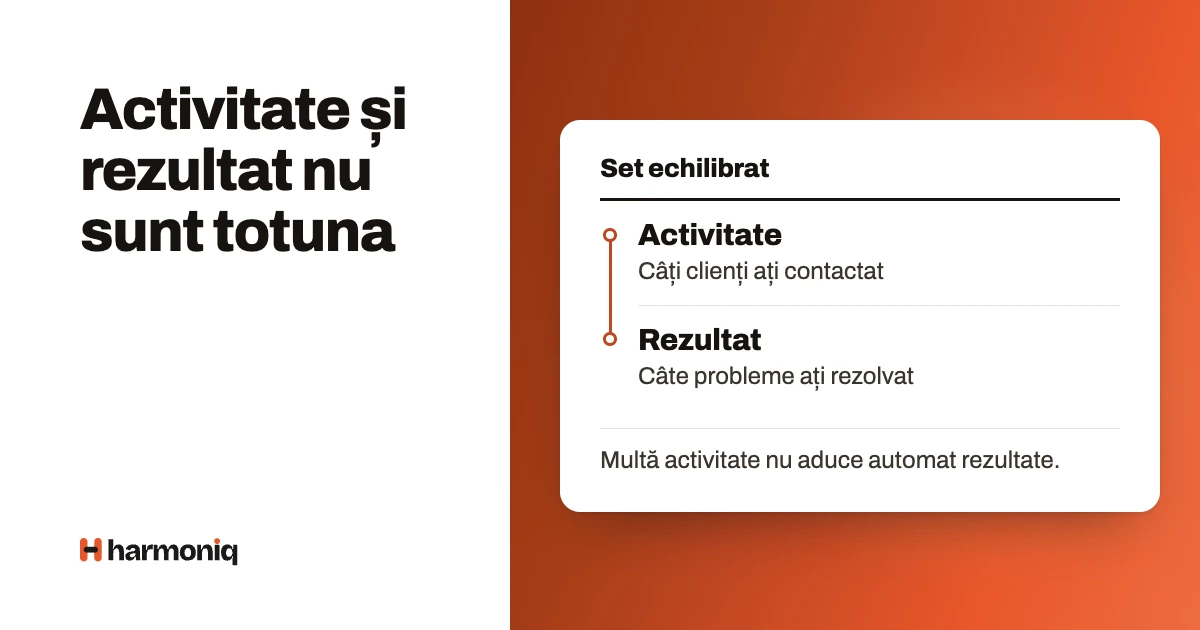
The difference between activity, leading and lagging (result) indicators, examples for six roles and how to check on data that an indicator really predicts the result.
Try every module free or book a demo with our team. No card needed.



A place for company news and conversations with colleagues
Share announcements, collect read confirmations and stay in touch through groups, kudos, polls, events and direct messages. Everyone can take part from their phone, wherever they work.
Discover the social network