

 Română
 English
Getting started with Harmoniq
Set up your company, add your team and configure the modules. Everyone then has access to the information and tasks they need.
Getting started with Harmoniq
-
Create your company
Choose your company’s address and confirm your email to create the account.
- Who
- The person who opens the account; they become its owner.
- What you need
- The company’s name, country and registration number, the address you want (for example company.harmoniq.ro) and an email address to receive the confirmation code.
- What you get
- The company exists at the address you chose, with its trial started, and you can sign in there.
-
Add your team
Define your units and positions, then add employees manually or import them from Excel.
- Who
- The HR lead.
- What you need
- The list of units, departments and positions; the employees, entered one by one or in an Excel or CSV file.
- What you get
- Employee records and who manages whom. The import first shows the rows with problems and writes nothing until you have checked them.
-
Set up your modules
Set your performance and leave rules. Prepare the internal communication, courses and documents your team needs.
- Who
- The HR lead, with whoever sets the evaluation rules.
- What you need
- What you measure and how much each part counts; the leave types and who approves them. A new company starts with the Romanian Labour Code’s leave types and an approval flow, which you adjust.
- What you get
- Published rules. A scorecard stays a draft, easy to change, until you publish it.
-
Give your team access
Employees receive accounts and access to company news. Managers see their teams, while HR can manage the entire workforce.
- Who
- The HR lead or whoever manages accounts.
- What you need
- Each person’s email address and role (for example HR, manager or employee). Every active account takes a seat in the plan.
- What you get
- Everyone gets an email invitation, chooses a password, and then sees only what their role and the team they manage allow.
Employee records in one place
Check employee records, leave balances, document expiry dates and training status. Access depends on each person’s responsibilities.
- Imports from Excel for the first set-up.
- Alerts before documents and checks expire.
- Records ready for inspections.
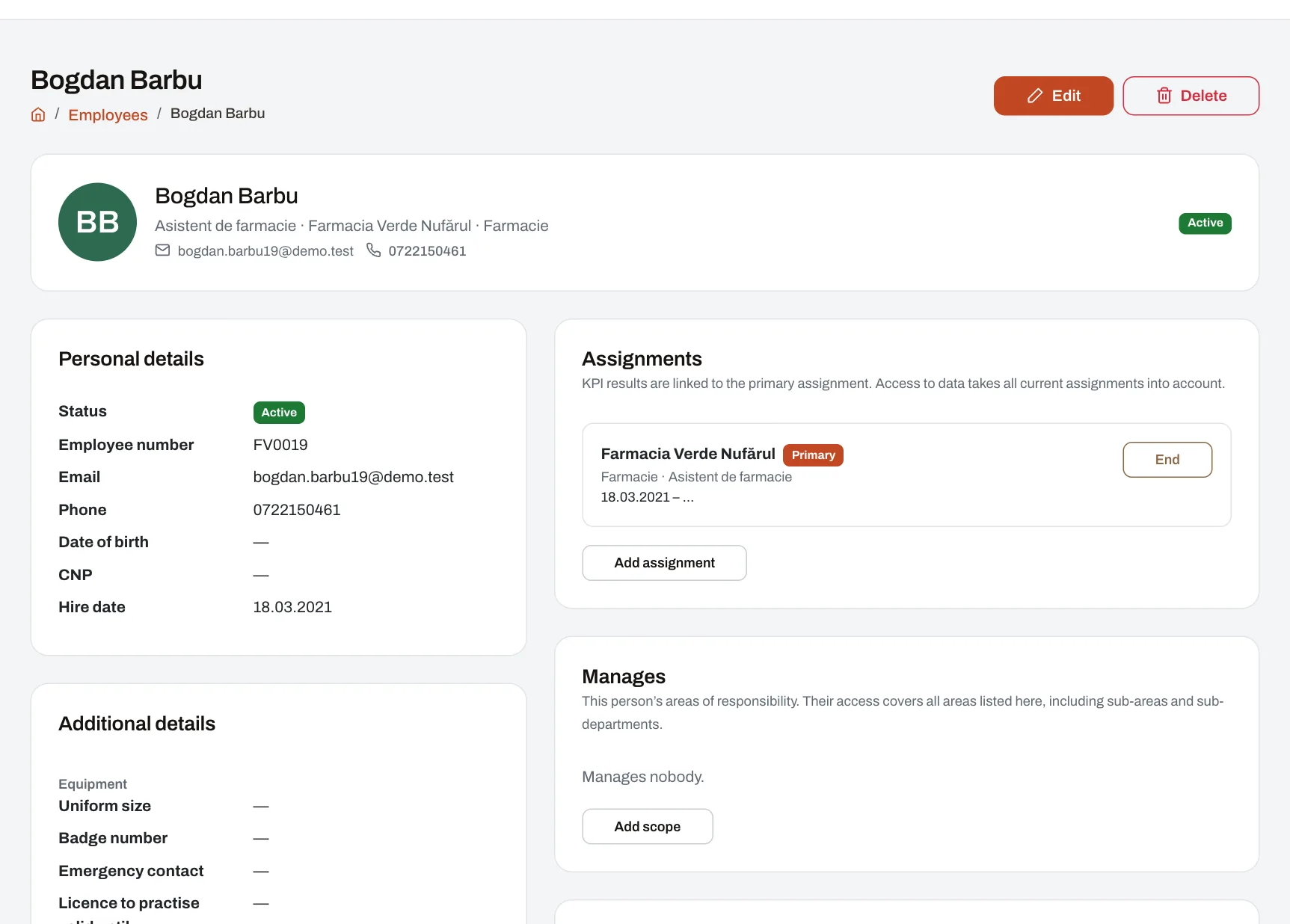
Access based on responsibility
Lists, exports and approvals follow your company’s management structure. Each manager has access only to their own team’s data.
The information managers need to make decisions
Approve requests, follow your team’s results and training, and send announcements to the relevant colleagues.
- Approve requests from your computer or phone.
- See who is away each day in the team planner.
- Team alerts and explanations of each score.
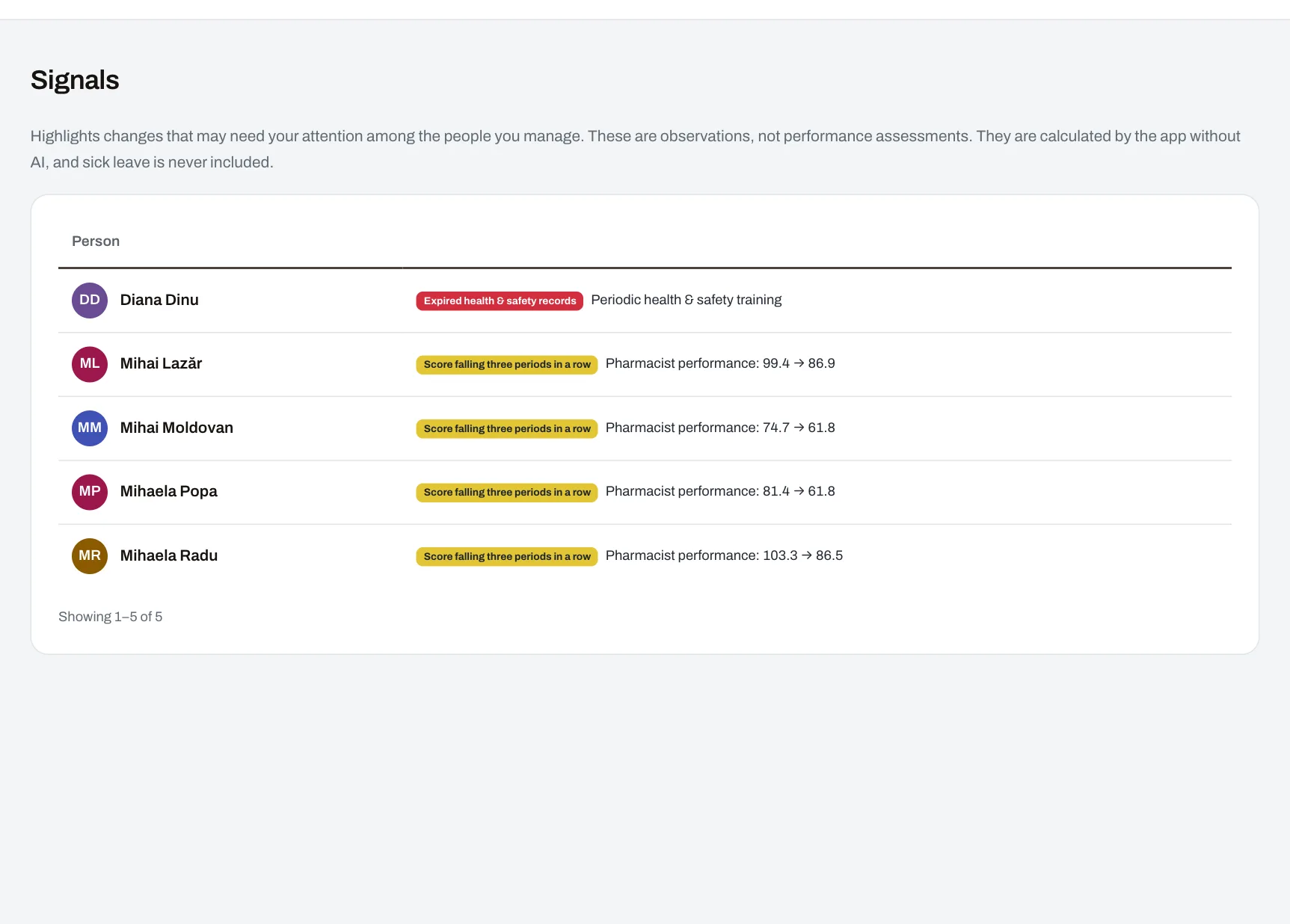
Delegate approvals while you are away
Delegate approvals to a colleague for a set period. The delegation ends automatically, and the deputy cannot approve requests from the person they are covering.
Employee information and requests, also on mobile
Employees can read company news, recognise colleagues, request leave, take courses and check their evaluation results, in Romanian or English.
- Access from a phone.
- Anonymous survey responses.
- A copy of their own data whenever they ask.
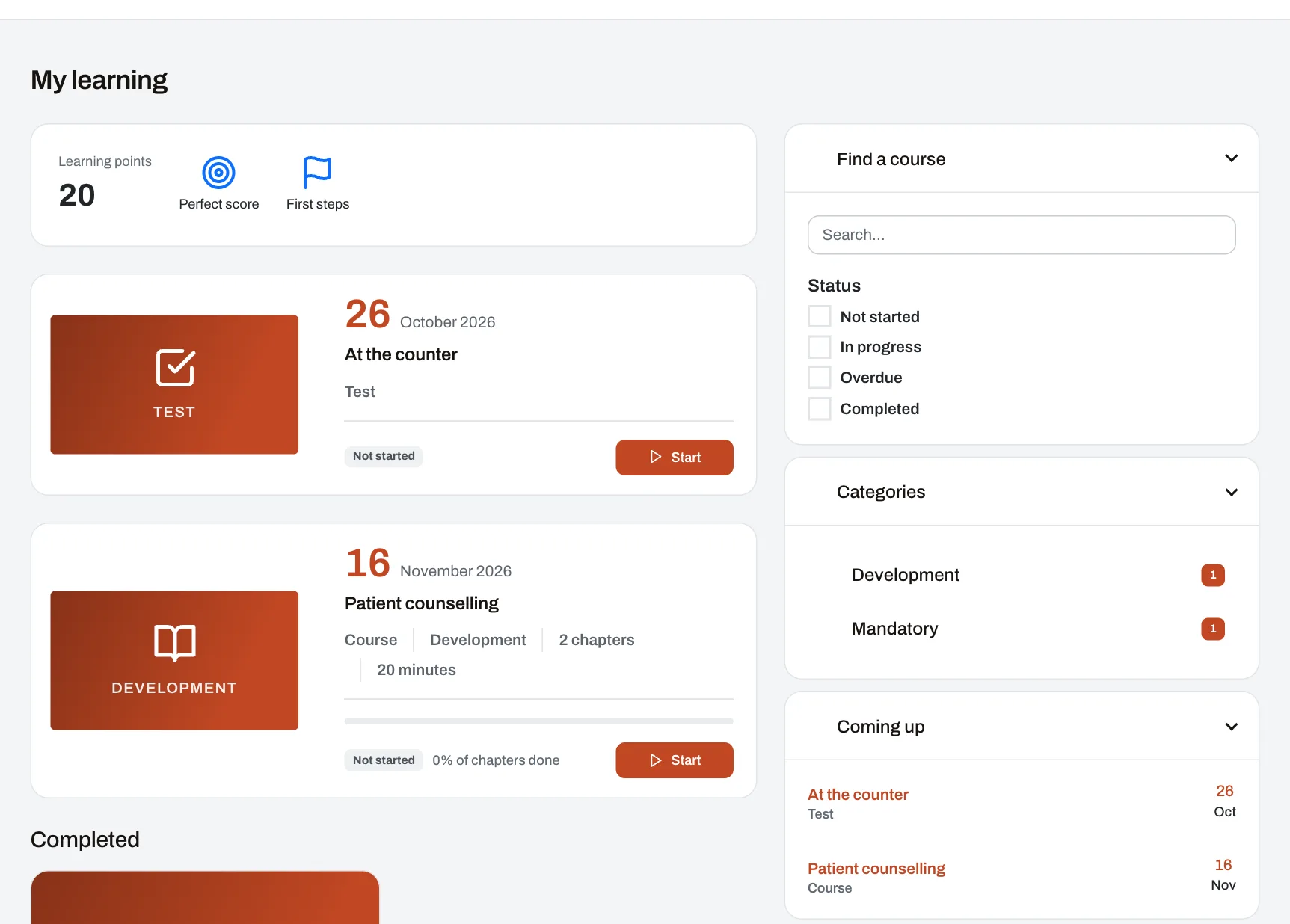
How survey anonymity is protected
Responses stay sealed until the survey closes. They are then released together in random order, without a link to the people who submitted them.
Company results and employee feedback
Track scores across units and areas, see who reads announcements and learn from anonymous surveys. Export your company’s data whenever you need it.
- Scores and their trend for every unit and area.
- Insights on announcements and read confirmations.
- Two-factor sign-in that can be required for everyone.
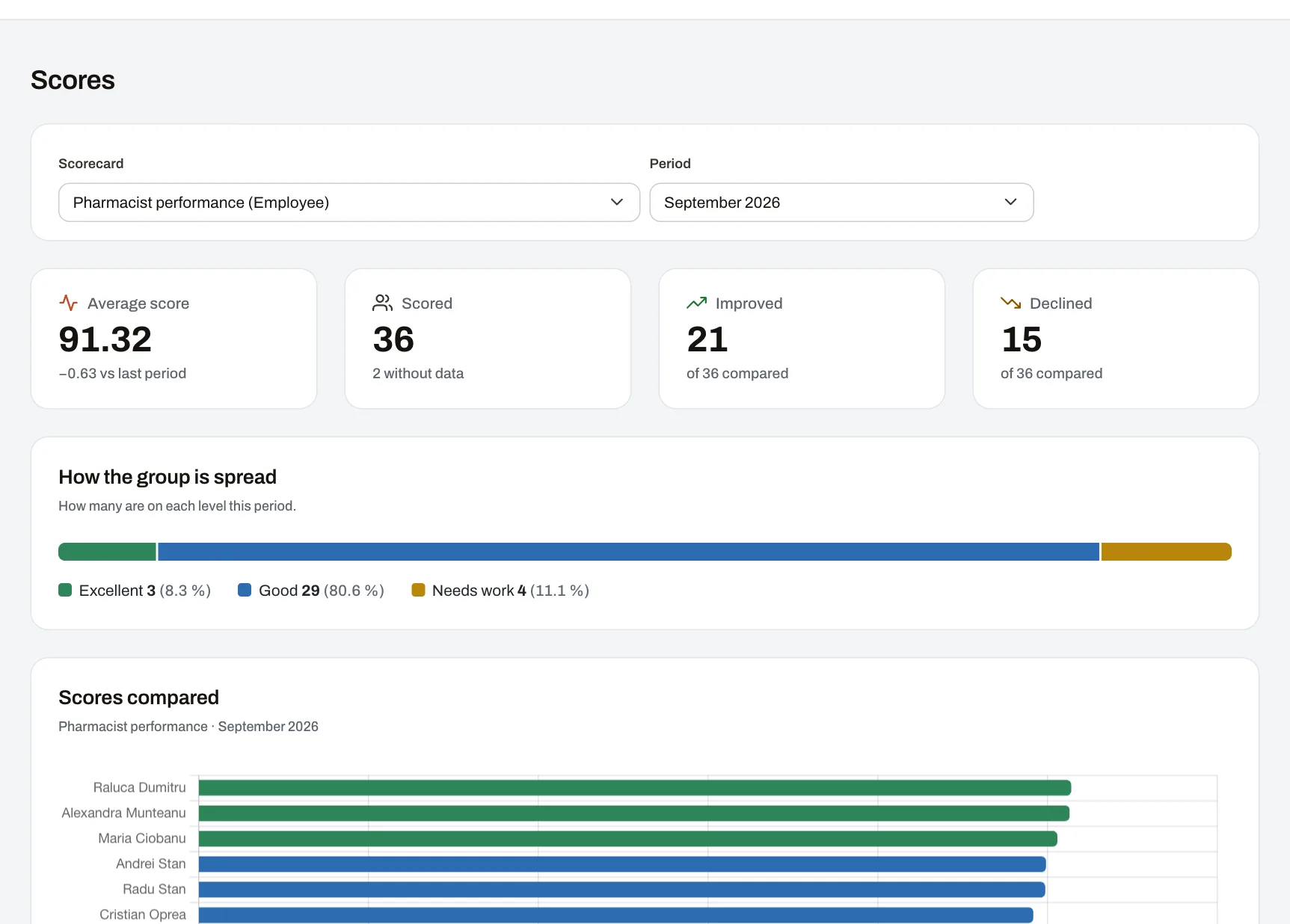
Your data stays yours
The account owner can export all company records and files at any time. They can also close the account.
See how Harmoniq works for your team
Try every module free or book a demo with our team. No card needed.