

 Română
 English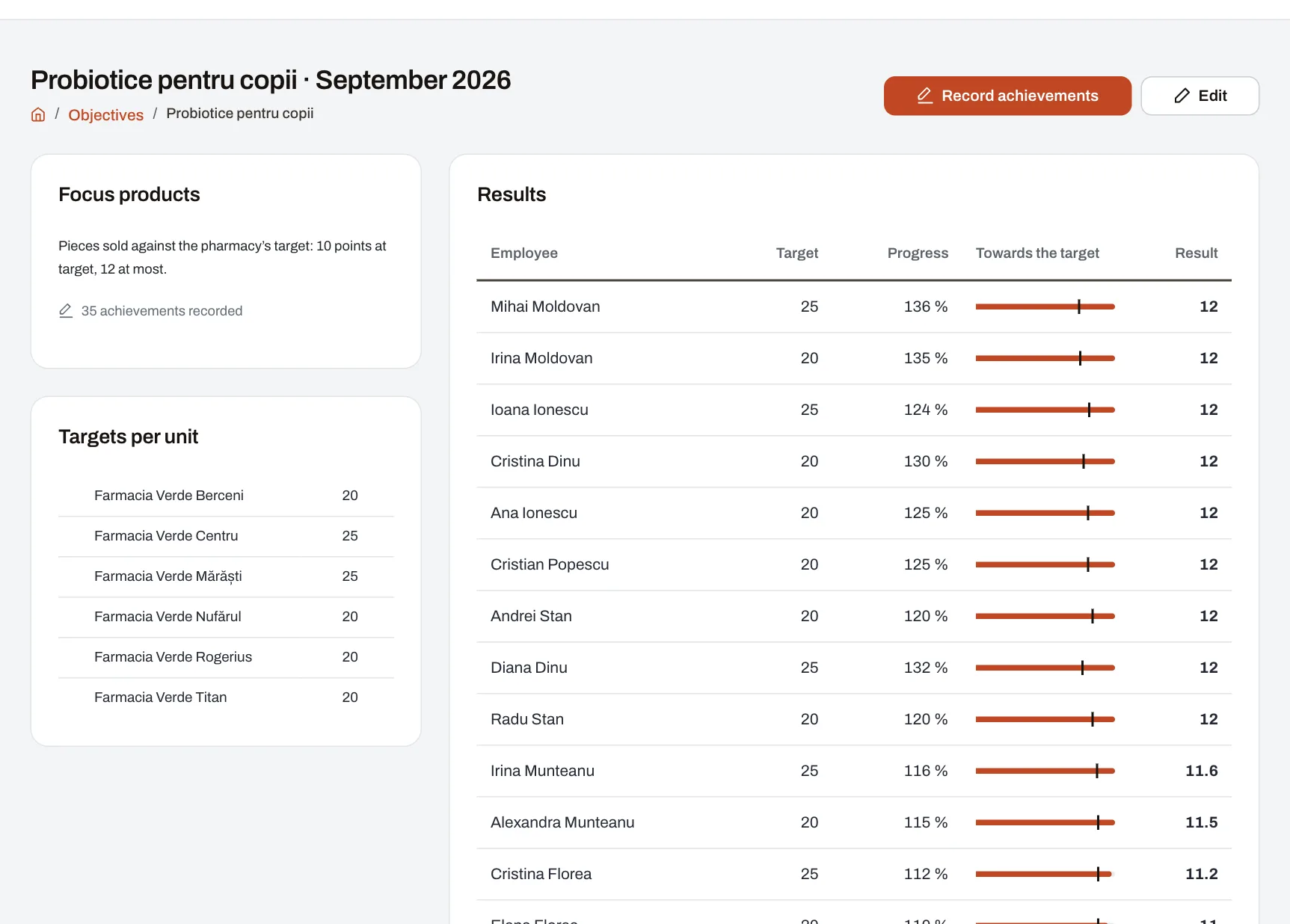
Beyond each month’s numbers, many companies run short objectives: a brand being promoted, a focus product, a campaign, a category to push. Each has its own target per unit and ends with the month. With Objectives you set them up in minutes, and the results add up by themselves into a number the scorecard reads.
One rule, many objectives
- The rule says once how every objective of a kind is scored: what is recorded (pieces sold, for example), what each person’s target is, how far they got and what they earn. Its formulas are also said in plain words.
- Settings per objective, such as the points for reaching the target, with a usual value each objective can change.
- When someone has several objectives in the same month, the results are added up, averaged, or the lowest or highest is taken — as the company chooses.
The month’s objectives, in minutes
- A name, the month and a target for each unit; units without a target do not have the objective.
- A manager sets objectives for their own units and changes only their own.
Achievements, in a grid or from a file
- A grid with the people (or units) and the values to fill in; an empty field means “not recorded”, not 0.
- Or an Excel or CSV file: a person by employee number or email, a unit by code or name. The whole file is checked first; if one row is wrong, nothing is saved and you see what to correct.
- Each manager sees and fills in only the people they manage, and never their own achievements.
Tied to the score
- When the month closes, each objective is scored automatically and the results go into the rule’s metric, which you add to a scorecard like any other.
- An objective’s page shows each unit’s target and, for each person, the target, how far they got and the points earned.
Part of the Performance module; scoring rules are built in Professional and Enterprise.