

 Română
 English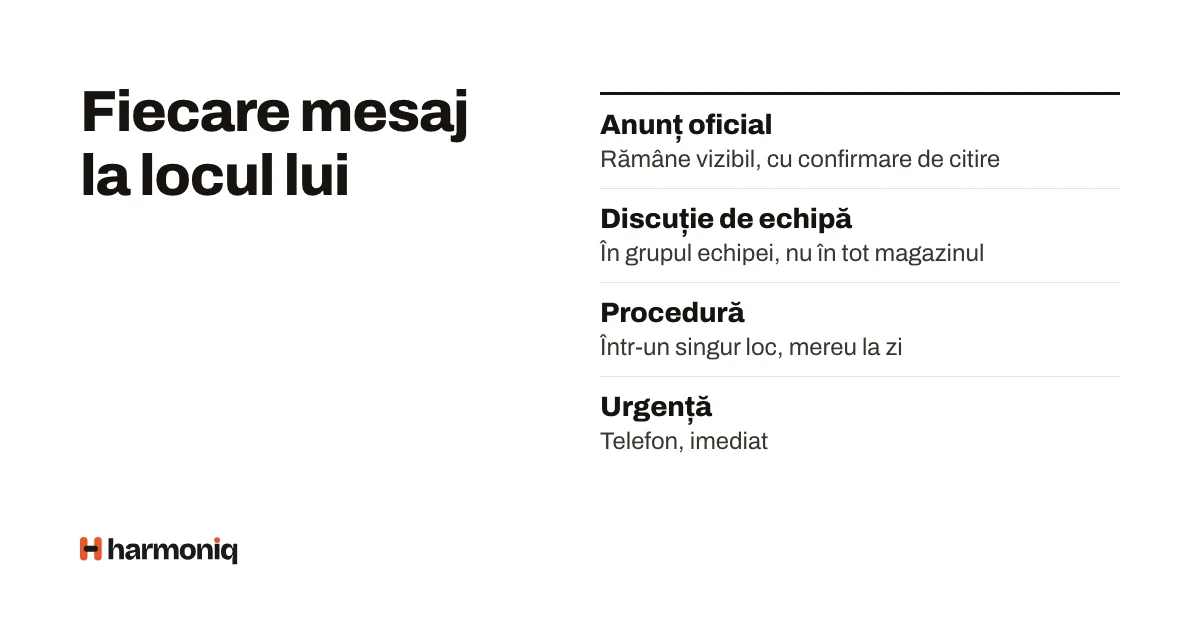
This guide is for HR, managers and business owners in companies where internal communication lives in chat groups on personal phones. It works until a new procedure gets lost among birthday photos, a new colleague is not added to the group or someone leaves the company with the whole history. By the end you will have a written rule on which message goes on which channel, an announcement template and a 30-day transition plan.
Chat groups are not the problem in themselves. The problem is that a single channel carries every type of message, with no one responsible, no clear audience and no memory.
Five types of message, five rules
The first step is to separate messages by their role. The table below can be copied as it is into the team’s rules and adapted.
| Type of message | Examples | Who sends it | To whom | Suitable channel | Expected response | How long it is kept |
|---|---|---|---|---|---|---|
| Official announcement | Holiday opening hours, a new rule, an organisational change | HR, management or whoever has this right | The audience affected: the whole company, a unit, a department | The company feed, as an announcement | Reading; confirmation when it matters | As long as it is valid; then it stays in the history |
| Team conversation | Who takes the Saturday shift, a question about an order | Anyone in the team | The team or the unit | The team’s group, by topic | Within the current shift, as a rule | As long as it is useful; it is not an official archive |
| Private message | A personal issue, individual feedback | Anyone | One person or a few | Direct messages or a face-to-face conversation | No set deadline | According to the company’s retention policy |
| Procedure or standing rule | The returns procedure, the steps for opening the unit | The process owner | Those who apply it | The knowledge base, announced in the feed | Reading and, where needed, confirmation | Until replaced, with the current version in view |
| Emergency | Fire, accident, unit closed today | Whoever notices it or the emergency coordinator | Those affected, immediately | Phone, according to the emergency plan | Immediately | Recorded afterwards, in the incident report |
The last row matters: an internal communication application does not replace the emergency plan. For anything that needs a reaction within minutes, people must know whom to call.
Who is responsible for each channel
- Announcements: a few people who can publish for the whole company (HR, management, area managers for their area). If anyone can publish for everyone, announcements get lost again.
- Team groups: the unit manager moderates them; they do not have to answer everything, but move what does not belong in the group to the right place.
- Procedures: each one has an owner who keeps it up to date; an announcement says what has changed.
Announcement template
Example with fictitious data, for a hotel chain.
Title: Group check-in moves to the secondary reception from 3 November
For: the receptions of the Bucharest hotels
What changes: groups of more than 10 people check in at the reception in the conference hall, not at the main reception.
From when: Monday, 3 November 2026, from 14:00.
Why: during group arrivals, other guests were queuing for more than 20 minutes.
What you need to do: read the “Group check-in” procedure in the knowledge base and confirm you have read it by Friday.
Questions: Andreea Pop, head of reception, in the “Reception Bucharest” group.
Each line answers a question someone would otherwise ask in the group. An announcement without “from when” and “what you need to do” produces dozens of clarification messages.
Sent, read, understood: three different things
- Sent means the message has gone out. It says nothing about who has seen it.
- Read can be measured: who opened the announcement or who pressed “I have read and understood”.
- Understood is not proven by a click. For a safety procedure, check understanding through training, a short test or a demonstration at the workplace.
A read confirmation is a useful indication, not legal proof in its own right. For example, the Labour Code requires the employer to bring the internal regulations to the attention of each employee on their first working day and to be able to prove it; this may also be done electronically, if the document is accessible to the employee and can be stored and printed by them (the Labour Code (Law no. 53/2003), art. 243(1)–(2), consolidated text, verified on 18 October 2026). Whether a confirmation in an application is enough in your case is a question for the company’s lawyer. Occupational health and safety training has its own rules, described in the guide on training records.
Shift teams and colleagues without a desk
- Nobody reads during a shift. Schedule important announcements for the start of the shift or the day before, not at 23:00.
- Notifications should not wake people up. Let each person choose how they receive notifications: immediately or in a daily summary.
- A personal phone is not an obligation. If people use their personal phone for the company’s application, say clearly what they need to read and when. For those who do not want to, keep an alternative: the start-of-shift briefing or a shared device in the unit, with a separate account for each person.
- No work email address. For a personal account, many applications ask for an email address; it can be a personal one, with the person’s agreement. Whoever has no account receives the announcements at the briefing, from the manager.
30-day transition plan
| Period | What you do | Who | Result |
|---|---|---|---|
| Days 1–5 | Write the rules (the table above), choose who publishes announcements, list the existing groups and the procedures scattered across them. | HR and management | The written rules, the list of publishers |
| Days 6–12 | Create the accounts, check that the structure (units, departments) is correct, move the first 5–10 procedures into the knowledge base. | HR, unit managers | Everyone has an account and sees their group |
| Days 13–20 | Onboarding by shift: 10 minutes at the start of each shift, phone in hand; everyone sets up their notifications. The first official announcement with a read confirmation. | Unit managers | The confirmation rate of the first announcement |
| Days 21–30 | Official announcements appear only in the feed; in the old group, at most a link is posted. Answer questions, adjust the rules, decide what happens to the old group. | HR and managers | A single place for announcements |
After 30 days, look at three signals: how many people confirmed the announcements that asked for confirmation, how many clarification questions came through other channels and whether announcements still circulate in the old groups.
Common mistakes
- Everyone publishes for everyone. Fix: a few publishers for announcements, anyone in the team groups.
- Confirmation asked for everything. People start pressing without reading. Fix: ask for confirmation only for rules and procedures.
- The old group kept “in parallel”. Announcements reach two channels and nobody knows which one is right. Fix: a clear cut-off date for announcements in the old group.
- Procedures as messages. A month later, nobody can find them. Fix: the procedure lives in the knowledge base; the announcement only points to it.
- Personal data on display. Fix: a birthday or phone number appears only if the person chooses.
How to apply the steps in Harmoniq
The company’s social network in Harmoniq covers the first four rows of the table:
- Announcements are published by whoever has the “Publish announcements” right, to the whole company, a unit, an area, a department, a position or a role. They can be scheduled, and moderators can pin them to the top until a date. “Announcement” posts notify their audience.
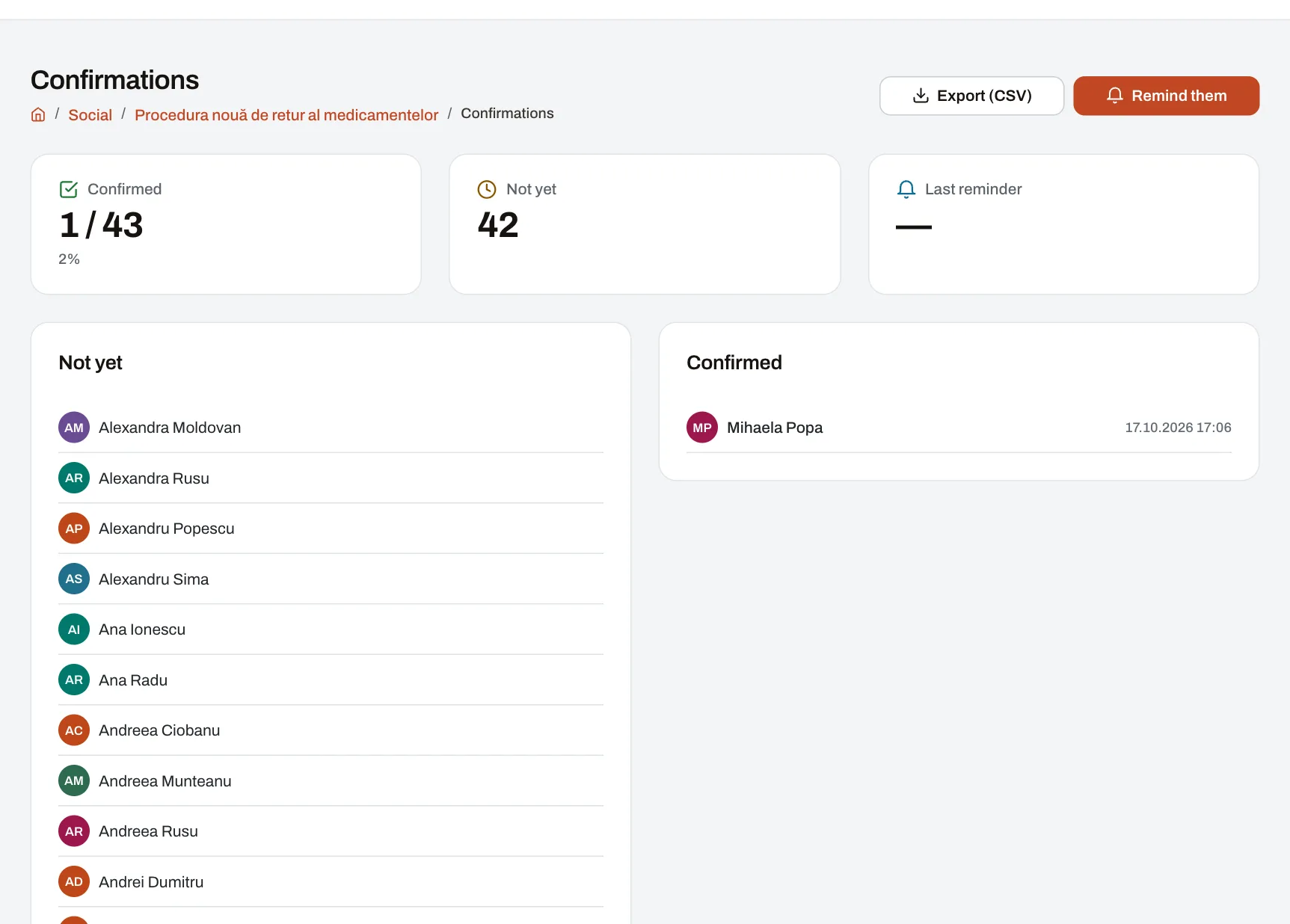
- Read confirmation: the author ticks “Ask readers to confirm they read it”; each person sees the “I have read and understood” button, and the time of the confirmation is kept. The author, the moderators and the group’s administrators see who has confirmed and who has not, can export the list (CSV) and can send a reminder by hand, at most once every 20 hours. Reminders are not sent automatically.
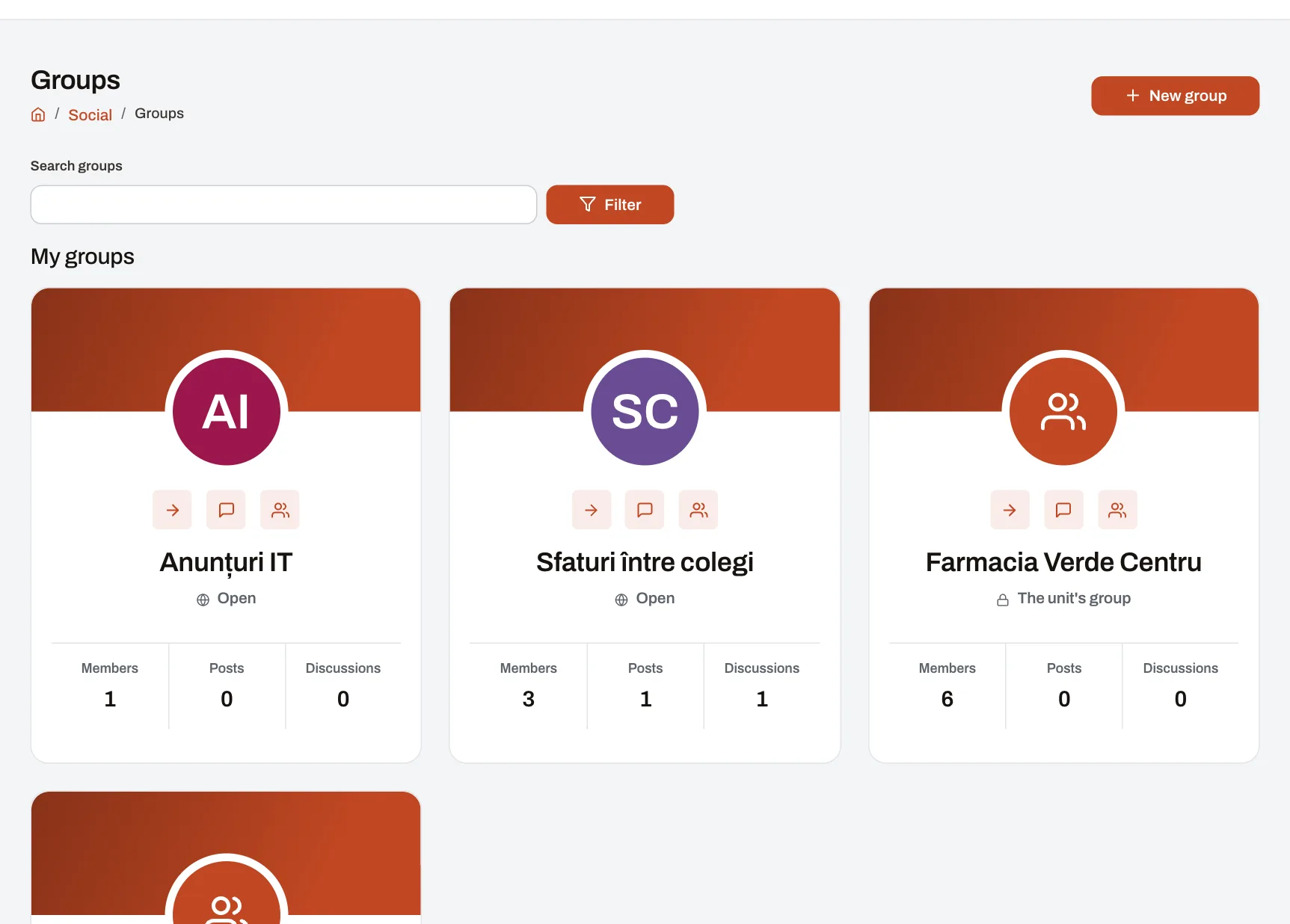
- Groups: each unit and each department automatically has a group, with the people placed there; the list is updated with every move, and managers are administrators. Colleagues can also create their own groups, open, closed or secret, with discussions by topic.
- Direct messages (Professional and Enterprise, if the company turns them on) are seen only by the participants; moderators see a message only if it is reported. The company chooses how long they are kept.
- Procedures live in the knowledge base, with a chosen audience. Articles have no confirmation of their own: for a confirmation, publish an announcement with a link to the article.
- Notifications appear in the application and by email; each person chooses, per type of event, how they receive them, including a daily summary by email. The application has no quiet hours, so scheduling announcements remains the team’s rule.
The account is created with an email address, to which the person receives the link to set a password. Harmoniq is used in the browser, on a computer or on a phone; it has no separate app in the app stores.
Frequently asked questions
Do we close the chat groups completely?
There is no need. Move the official announcements and the procedures; quick conversations can stay wherever people find them convenient, with the rule that nothing official is decided there.
What do we do about those who do not confirm?
First ask why: they have no account, they did not receive the notification, they had no time during the shift. A reminder helps; a conversation at the briefing helps more. Confirmation should not become a tool for sanctions.
How often should we publish announcements?
As often as needed, but grouped: one weekly announcement with several updates is read better than five announcements a day.
Does a read confirmation take the place of a signature?
Not automatically. It is a record with the time of the confirmation, useful as an internal record. For documents with their own legal requirements (internal regulations, OHS training), check with your lawyer what form of proof the law requires.
Next step
Fill in the table with the five types of message for your company and set the date from which official announcements have a single place. To see the feed, the groups and the confirmations, enter the demo company.