

 Română
 English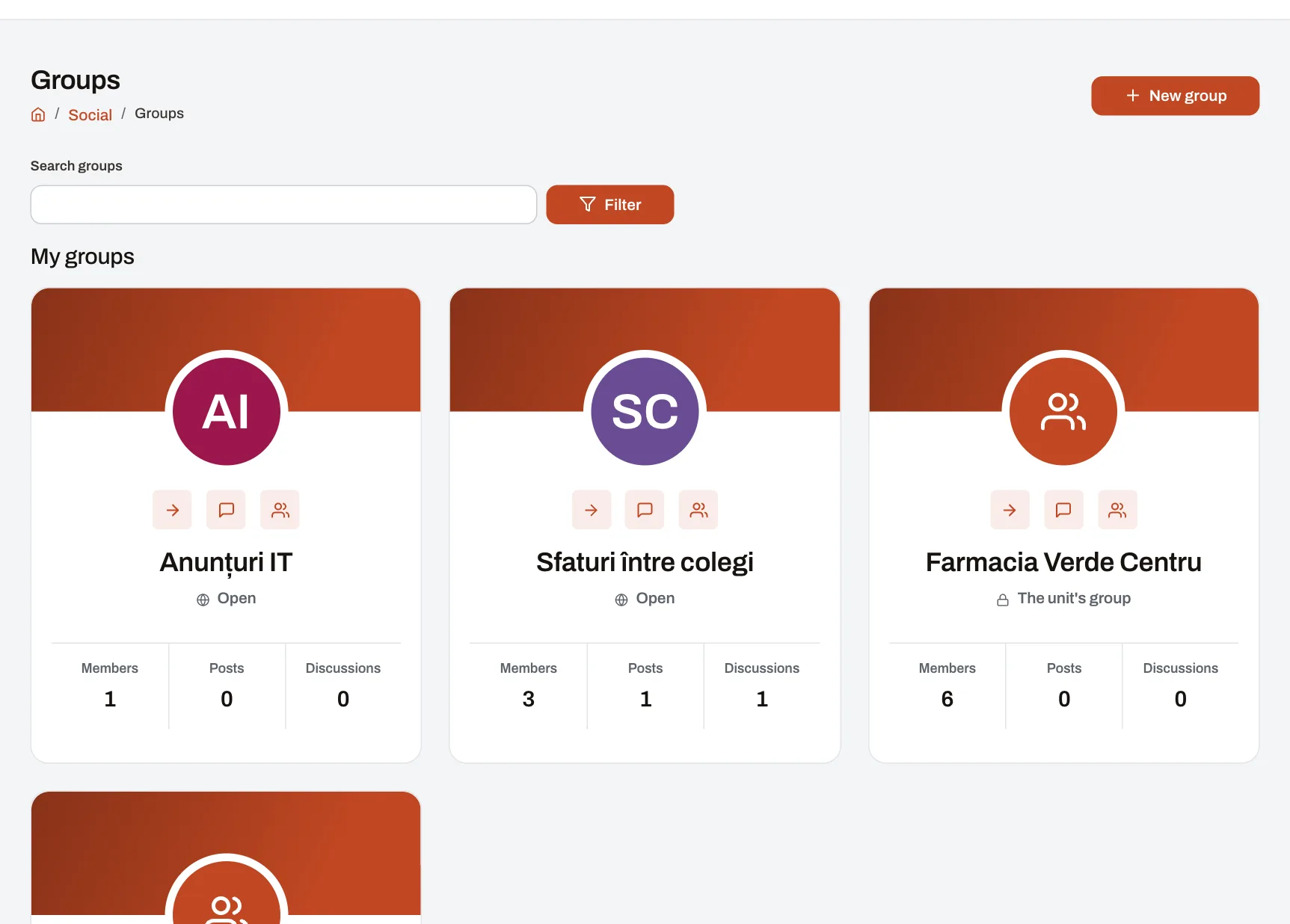
Groups take the conversation to where people work: their unit, their department, a project or a shared interest. Every unit and every department automatically has its own group, with its members kept up to date from the organisation, and colleagues can start groups of their own. Each group has posts and topic discussions, for questions that need more than a comment. Every employee with an account uses them; HR and the moderators keep order.
How it works
- Automatic groups appear by themselves. Every active unit and department has a closed group: its members are the people placed there, its admins the people who manage it. The result: when someone moves, joins or leaves, they enter or leave the group without anyone doing anything.
- A colleague starts a group of their own and chooses its kind: open (anyone reads it and joins at once), closed (everyone sees it, only members read it; admins approve requests to join) or secret (only members know it exists; people join only when added). They also choose who writes: every member or only the admins.
- Members write posts and start discussions. A discussion has a title and an opening message that others reply to, with quotes and @mentions. The result: the question and its answers stay together and are easy to find again.
- Everyone chooses how much they hear. Per group: notifications for everything, for posts only, or none; a single discussion can be followed on its own. New discussions and unread replies are marked.
- Admins keep order. They pin or lock a discussion, approve and remove members and change roles. A group no longer in use is archived: it can still be read but takes no new messages.
Example: a chain of 12 bakeries
Each bakery has its group, where the manager posts changes to opening hours, and the Production department has its own. The master bakers from every location start an open group, “Recipes and doughs”, and open the discussion “How do we keep the dough overnight in winter?”, which colleagues in other towns answer. Shift leaders have a closed group that only approved people join. When a sales assistant moves to another bakery, she moves into the new unit’s group by herself.
Who sees what
- An open group: anyone in the company reads it; members write.
- A closed group: anyone sees its name; only members see its posts, discussions and members.
- A secret group: only its members and the company’s moderators see it.
- Moderators (HR, by default) can run any group. Reported content reaches them and the group’s admins without saying who reported it; they can remove it or close the report.
- A mention never opens a group to anyone: only people who may already read it are told.
Limits
- Nobody joins or leaves an automatic group by hand: its list follows the organisation.
- A group’s last owner cannot leave until they hand the group over.
- Groups are for colleagues with a Harmoniq account only; there are no guests from outside the company.
- Official announcements are not posted in groups but in the company feed, for the audience chosen.
Frequently asked questions
Do we have to create a group for every unit?
No. They appear by themselves for every active unit and department, with the people placed there, and update with every change in the organisation.
What is the difference between a post and a discussion?
A post is news in the group’s feed, with reactions and comments. A discussion has a title and replies over pages, like a forum: it suits a question several people will answer.
Can a group be just for the manager’s announcements?
Yes: choose that only admins write. Members read and comment.
Who can see a secret group?
Its members and the company’s moderators. For everyone else it does not appear in the list.